
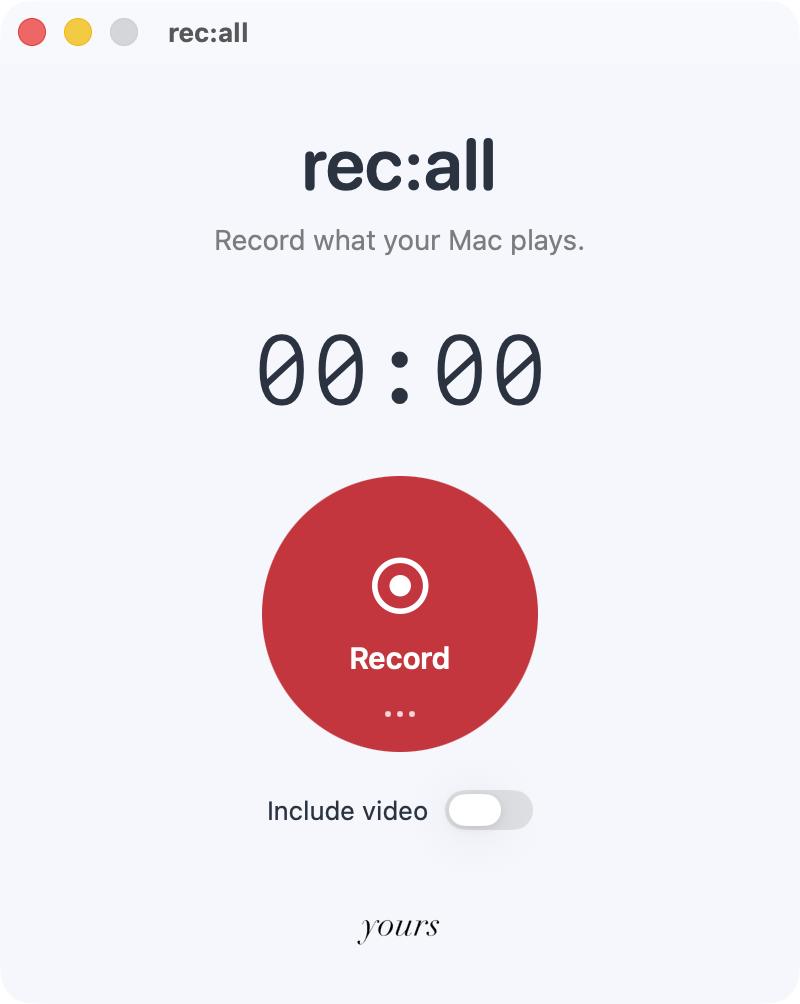
Record what your Mac plays.
Press Record, play anything, press Stop. The sound comes straight from your Mac – not through a microphone, unlike QuickTime's screen recording.
Apple Silicon · macOS 14.4 or later
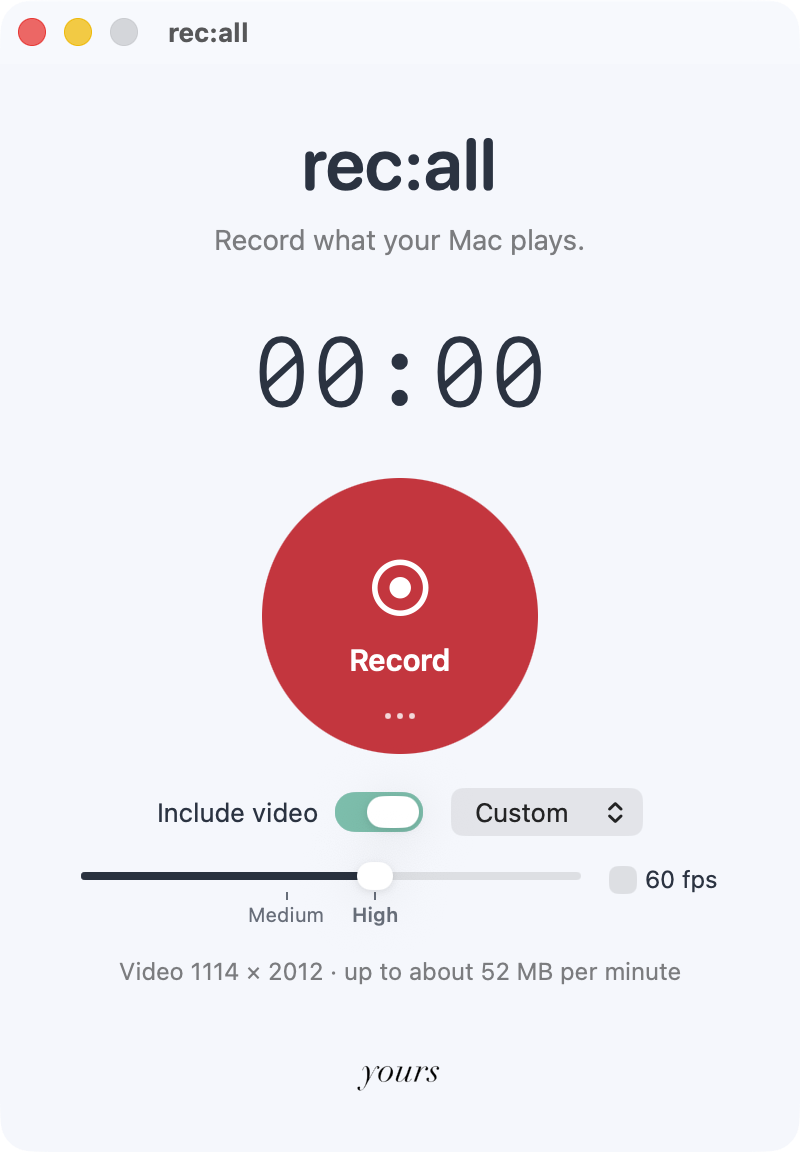
Want to include video?
Place a frame anywhere on your screen and choose Medium, High or Custom quality. Sound and picture in one MP4.
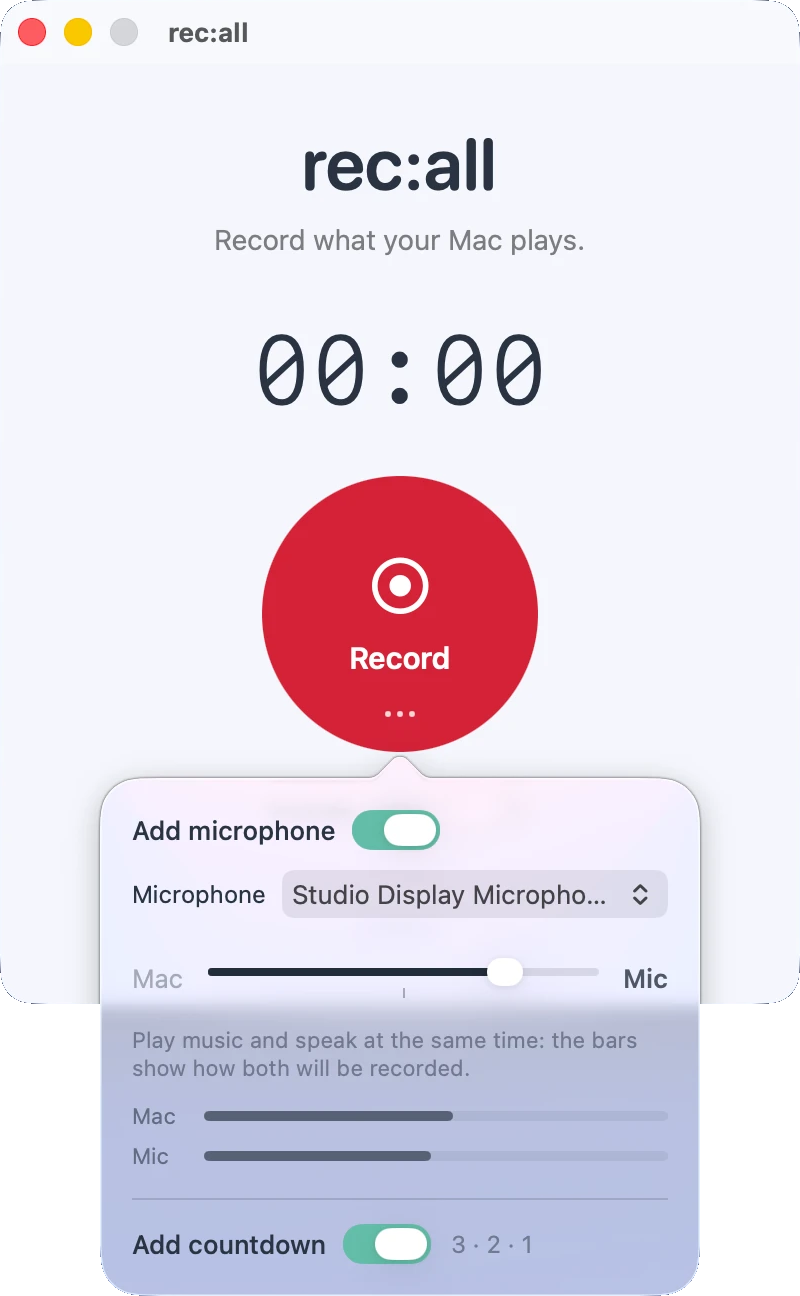
Add your voice
Switch on your microphone and speak over what's playing. One slider balances Mac sound and voice; the bars show how both will be recorded. Slide all the way to Mic to record only your voice.
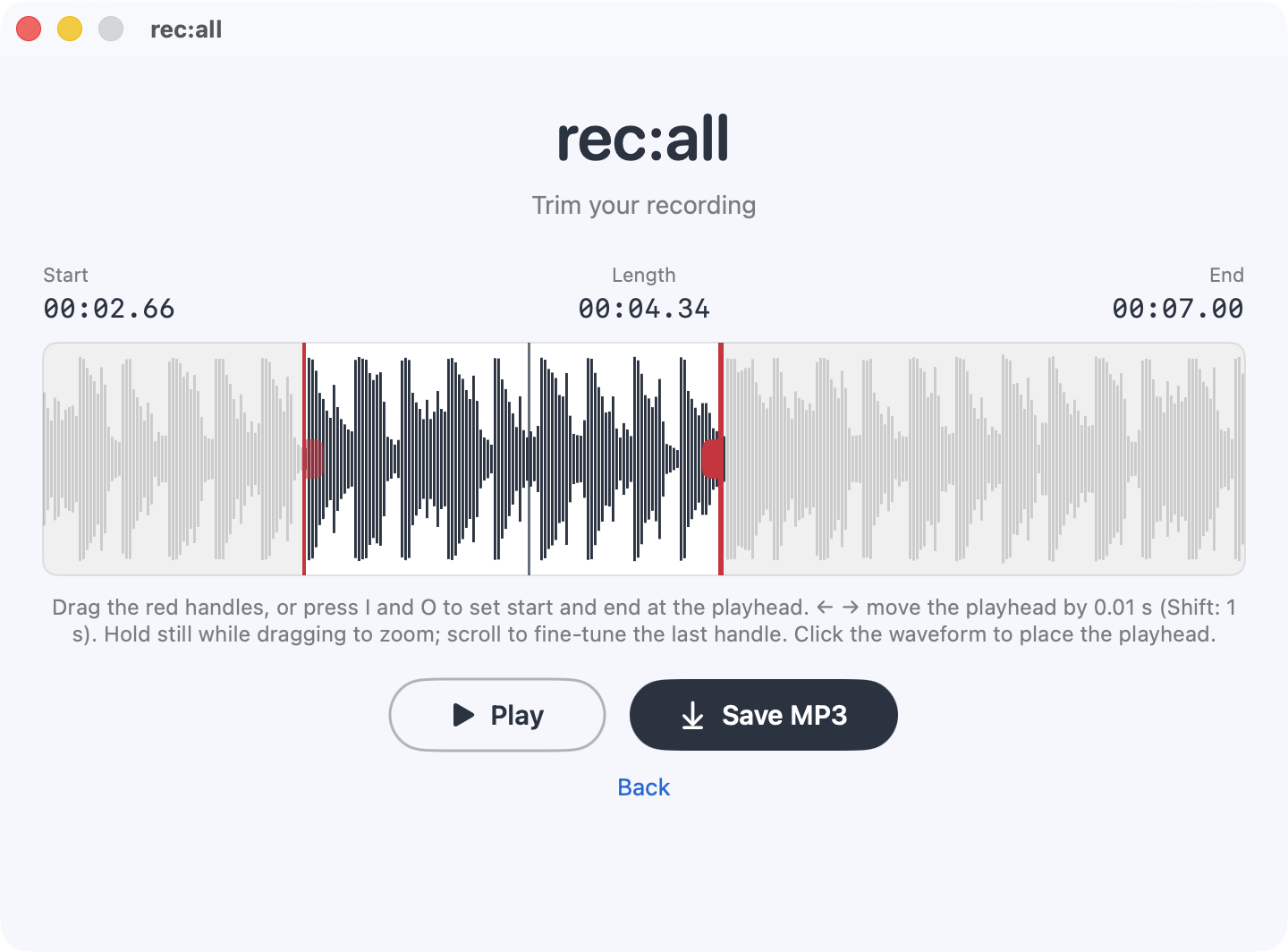
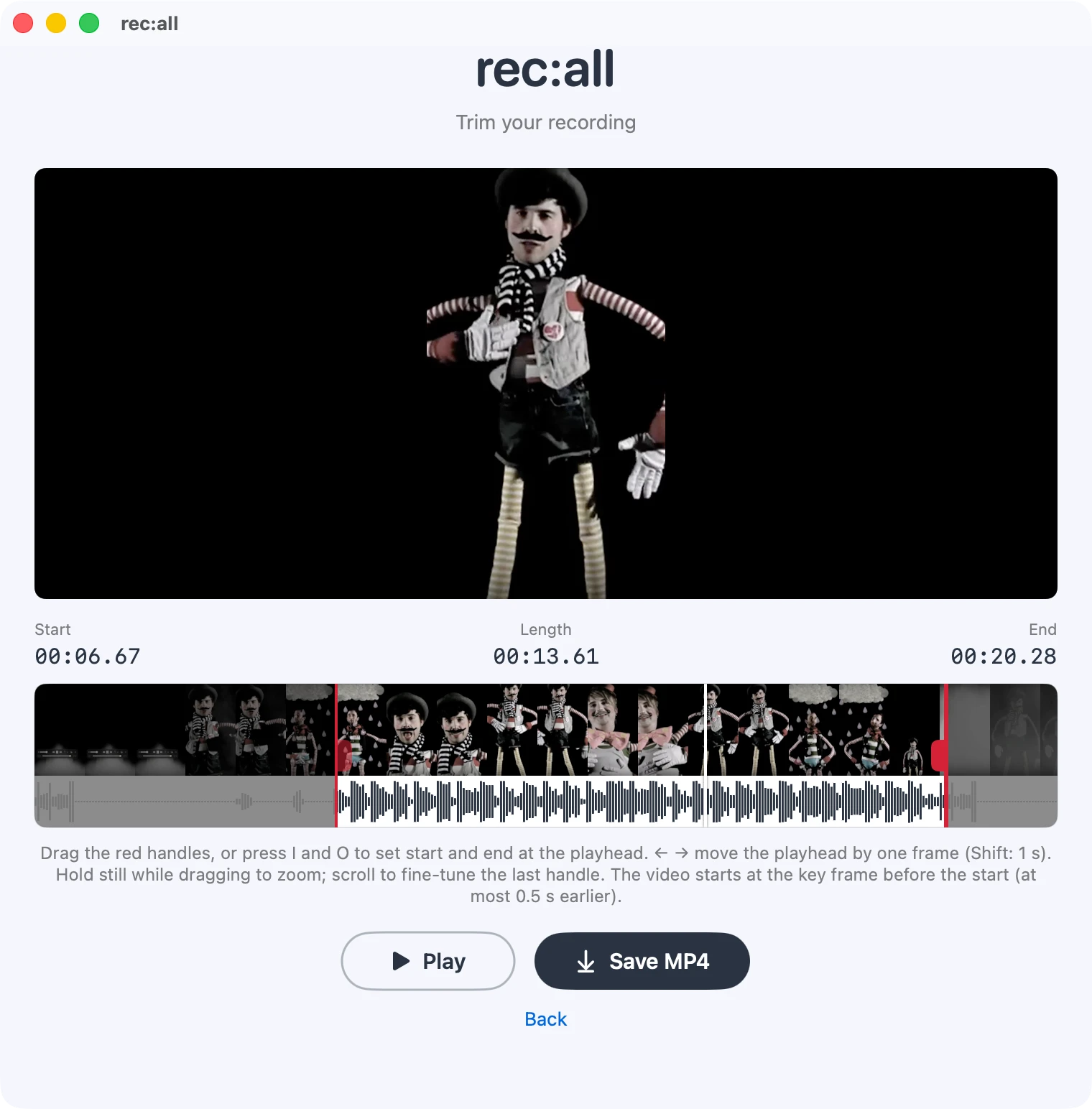
Want to trim?
Set start and end to the hundredth of a second: drag the red handles or press I and O. Nothing is re-compressed.
Straight from the source
rec:all records the sound before it reaches your speakers – no room noise, no echo, exactly what your Mac plays. Your microphone and screen only when you switch them on.
Stays on your Mac
No upload, no tracking. Temporary files are deleted once the MP3 is saved.
Nothing added
Exactly as it played, no effects. Your Mac's sound is only lowered if you balance it against your mic. Highest MP3 quality (320 kbps); video as H.264 MP4 that plays everywhere.
Apple Silicon · macOS 14.4 or later
Only record what you're allowed to record.
First start
rec:all is not signed by Apple yet, so your Mac asks once. Move it into Applications and open it, click Done, then go to System Settings → Privacy & Security and click Open Anyway. The first time you press Record, your Mac asks to allow audio recording. Choose Allow.
Made with free software. The licences are included in the app.